Data Privacy, Cookies and Consent
Privacy and Consent
Get in the know about data privacy and cookie consent
As a domain owner you need to let the users of your website(s) know about any data collection taking place and seek their explicit consent.
It is important to create a privacy policy for your website so that this information is easy to find and understand by any visitors to your site. Your privacy policy should outline in plain language how you store and manage information gathered, in compliance with EU General Data Protection Regulation.
For example, if you use forms on your site to collect information from users, you need to let them know: if you collect any personal information, how this information is used, where the information is stored, and for how long.
Another example of how you might collect information from users is through use of cookies, a technology that many websites use to help them function. For example, your website will use cookies if you track users, allow users to login, or embed media from third parties.
What are website cookies?
Cookies are a key technology when it comes to tracking users and they are essential to the way targeted advertisement works. This short animation by The Guardian gives an overview of what cookies are and how they work:
You can find more information on how cookies and similar technologies work in the UK Information Commissioner’s Office guidance found online here.
Tools that can help you see cookies
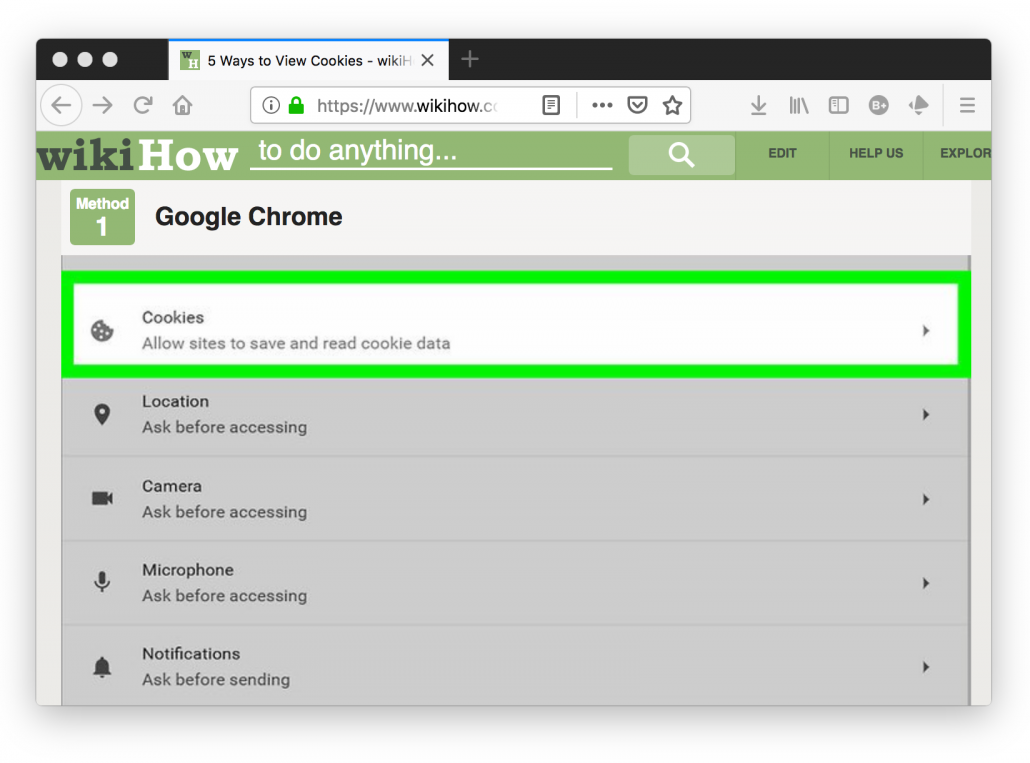
Your browser will display the cookies on your computer. If you go into the ‘preferences’ or ‘settings’ and look for the Cookies section there will be an option to see or manage cookies and site data which will provide a list of all the cookies currently on your browser.
There are also browser plugins that can help you see information about the cookies added to your browser or your information is being sent when visiting a website. You can find a couple of examples below:
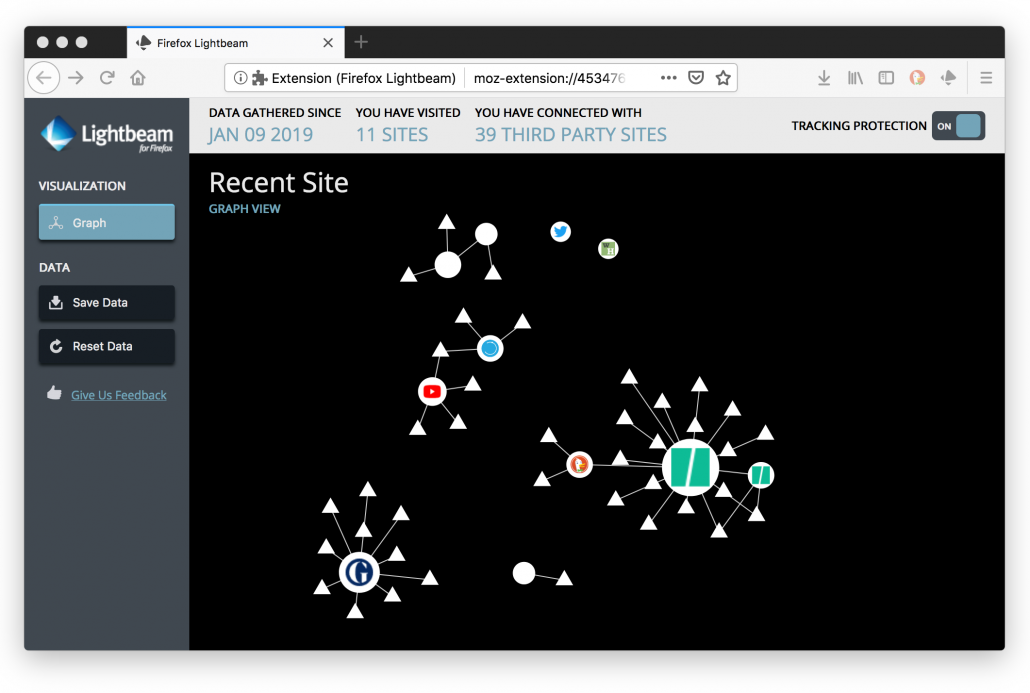
Lightbeam is a plugin for the Mozilla Firefox browser. It creates a visual map of the third party sites you interact with on the Web. This interactive map shows you the relationships between these third parties and the sites you visit. Find out more online here.
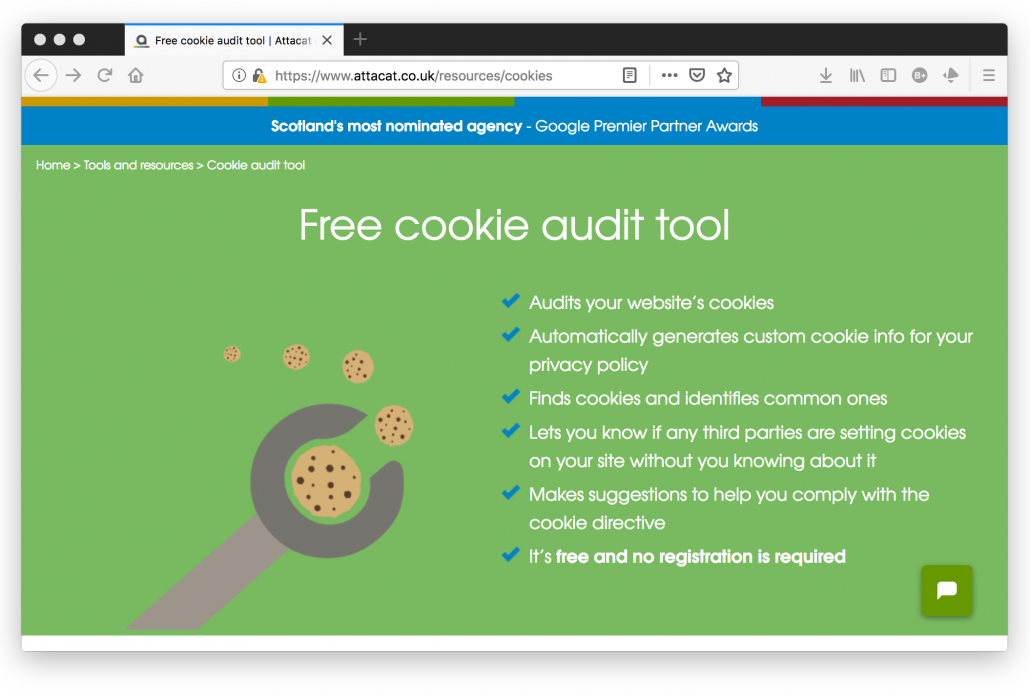
Attacat Cookie Audit is a plugin for Google Chrome browser. It creates a list of all the cookies that get added to your browser when you visit a website. This list will include information about which of these cookies are first party (those that send information to the website’s domain) and which are third party (those that send information to another company’s domain). Find out more online here.
To find out what cookies are running on your domain, you will need to clear your browser cookies and then use your website as you would expect any visitor to (e.g view lots of pages, watch embedded videos, submit information through forms). Once you have done this you can review the cookies now listed on your browser and use this to inform how you communicate to your website users how cookies work on your site.
How to create a privacy policy
You will need to display a privacy policy on your website to let users know if you collect any information from them and how this is used. A privacy policy is a page on your website that outlines how you are collecting users’ information, what information you are collecting and why. It should include how long you keep this information for and where it is stored. You should also include information about who runs the website (i.e. your name) and how users can contact the owners of the site (i.e. an email address of yours that you are happy for people to contact you on).
Once you have created your privacy policy page, you will need to make this easy to find by adding a link to it on the website’s navigation menu.
WordPress makes it easy for you to create a privacy policy page by allowing you to generate a templated policy that you can then make edits to with information related to your website. To get started, go to Settings > Privacy in your WordPress dashboard.
How to create a cookie consent banner
You will have seen cookie consent banners on various website as you browse the internet. These popups tell you that cookies are running on the site and how they are used. They also ask you whether or not you consent to their use of cookies.
If your website uses cookies you will need to display a cookie consent banner to your users. This cookie notice will make users aware that you have cookies running on your website. This cookie notice should include a way for users to opt-in to the use of cookies and provide a hyperlink to your website’s privacy policy.
In WordPress, you will need to find a plugin that will allow you to create a cookie consent notice. This notice will need to remain visible to users until if or when they choose to give consent to the cookies running on your website.
To find out more information about cookies and cookie consent read the UK Information Commissioner’s Office guidance available online here.

Frederick Lanchester Library, Coventry University
Gosford Street, Coventry CV1 5DD
dmll@coventry.ac.uk | 02477 659495
@disrupt_learn